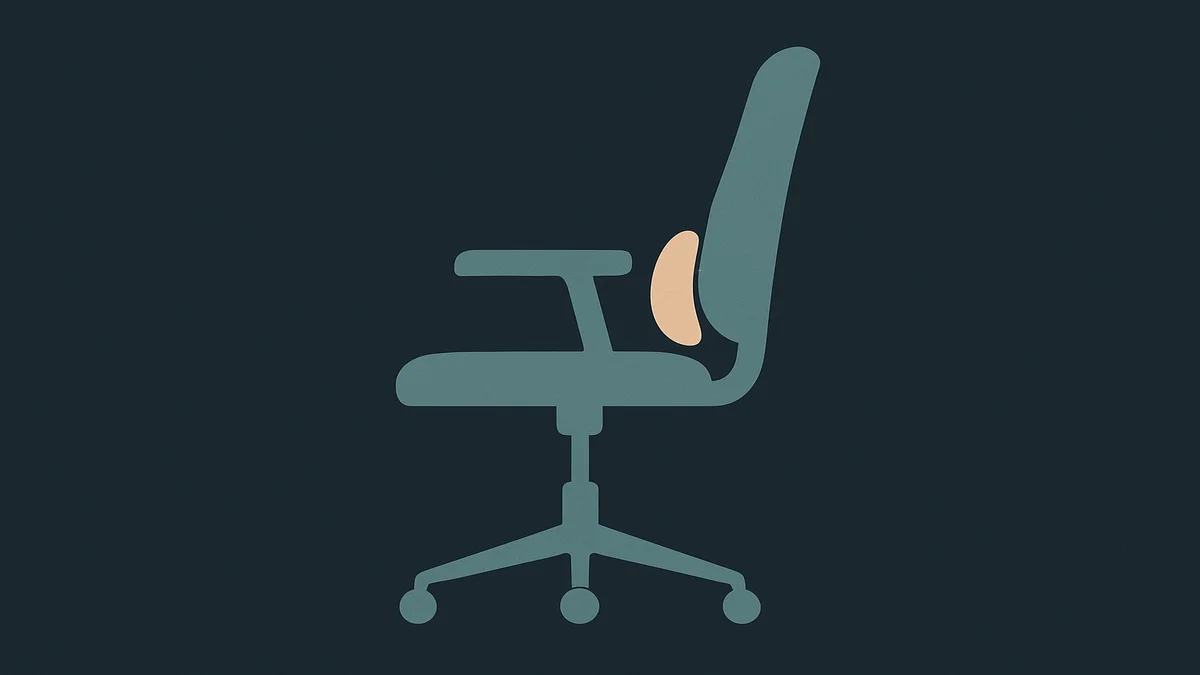
Office chair lumbar support is the part of the backrest that props the inward curve of your lower back, so the chair holds your spine’s natural S-shape instead of letting it slump. OSHA’s workstation guidance describes the target directly: a backrest that conforms to the curve of your spine, with lumbar support set to the height of your lower back.
The anatomy it refers to is the lumbar region, the five vertebrae between your ribcage and your pelvis, which curve inward in a healthy standing spine. Sitting undoes that curve by default: without support at that height, the pelvis tilts back and the lumbar spine rounds out, which is the slouch you catch in your own posture by mid-afternoon. Lumbar support is a backrest feature designed against that default, and on a good chair it is adjustable in height, depth, or both.
This matters more at a desk than anywhere else, because sitting is a sustained posture, and sustained postures are what our spines are least built for. The claim I will not make is the one the marketing makes: that lumbar support fixes back pain. It does not, and the honest version is narrower. What lumbar support does is reduce the tendency to slouch by giving your lower back something to rest against, which changes the load distribution across your back while you sit. That is a mechanism, not a medical outcome.
One more remote-work specific point before the mechanics: lumbar support only works when you sit back into it. Perched on the front edge of the chair, the best lumbar design in the world is behind you, doing nothing. That is why this guide spends as much time on how you sit as on what the chair does, and it is the first thing to check before blaming your chair.
Why office chair lumbar support matters for remote workers
The stakes are postural, and they compound quietly.
OSHA’s chair guidance names inadequate back support and inappropriate postures as a hazard combination: poor back support can follow from an inadequate backrest, and working in those postures can lead to back pain and fatigue. The mechanism is not mystical. Muscles and ligaments hold your spine up when nothing else does, and holding a rounded, unsupported position for hours fatigues them; the chair is supposed to take over that job by giving the curve a resting surface. Remote workers feel this in a specific way: home chairs are frequently inherited dining chairs, couches, or beds-adjacent seating that never had a lumbar shape at all, so the default for a large share of home work hours is literally no support.
There is also a remote-work trap that office workers avoid: the home chair is usually used in more postures than an office task chair is. You recline for calls, lean forward for focus work, shift to the side with a laptop, and sit through all of it without anyone resetting the chair. A fixed, unadjustable lumbar bump fits one posture and misses the rest, which is why adjustability, not firmness, is the spec worth paying attention to. OSHA’s guidance makes the same point from the purchasing side: a backrest that supports the back in a variety of seated postures, with lumbar support that is height adjustable so it can fit the lower back.
The compounding factor is drift. Every setting on a chair moves over time: the seat height sinks, the tilt loosens, and the lumbar pad slides down its track as you shift position through the day. Unlike the office, where facilities teams re-check equipment, nobody is coming. The habit that closes the gap costs under a minute: when you notice yourself slouching, resist the reflex to fix your posture with effort and check the support instead. Run your hand behind your lower back. If the pad is no longer where you set it, the problem is the chair’s position, not your discipline, and a two-second readjustment beats a week of holding yourself upright by muscle alone.
The honest framing on symptoms: if you already have persistent lower-back pain, better lumbar support is worth trying because it changes how load is distributed, but it is not a diagnosis and not a cure, and persistent pain is a clinician conversation, not a chair-shopping conversation. The chair is one variable in a system that includes desk height, screen position, and how much you move during the day.
How to apply it
Find and set the height
On most chairs with adjustable lumbar support, the lumbar pad or band moves up and down along a track in the backrest, driven by a knob, lever, or hand pressure. The goal is to place the support where your spine actually curves, which is the small of your back, roughly at belt-line height while you sit. OSHA’s guidance says the same thing in the purchasing language: the lumbar support should be height adjustable so it can be appropriately placed to fit the lower back, and the outward curve of the backrest should fit into the small of the back.
Set depth and firmness, then test
Depth is how far the support pushes into your back, and it is the adjustment people overdo. More pressure is not more support. The test: sit fully back, and the support should make light, even contact with the curve of your lower back, enough that you feel it when you relax, not enough that it pushes you forward off the backrest. Chairs like the Steelcase Leap add a firmness dial rather than a fixed pad, which is a useful reference point for what good adjustment looks like: a height-adjustable lumbar plus a lower-back firmness control, per the product’s own specifications. If your chair has no depth control, do not improvise more firmness with cushions stacked on a support that already touches you; add nothing and check the height instead.
The two-minute setup sequence
When you sit down to work:
Sit all the way back first, hips against the backrest. Adjusting anything before you are fully back in the seat means adjusting to the wrong reference point.
Set the height so the support sits against the small of your back. If you cannot find the pad by feel, run your hand behind your lower back while sitting.
Set depth to light contact, not push.
Relax. Your back should rest against the support with minimal effort. If you have to hold yourself forward to feel it, the height is wrong.
Recheck at your actual desk height: feet flat, forearms level with the desk. If the whole chair is the wrong height, fix that first, because lumbar position shifts with seat height. Our guide on office chair seat height covers that step in detail.
What to do when the support is wrong
Three common situations, each with a different fix:
The chair has no lumbar shape at all. OSHA’s guidance offers the interim answer: a rolled towel or a removable back support cushion placed at the small of the back temporarily provides support and helps maintain the spine’s natural curve. Treat this as a bridge, not a destination, because a pad on the wrong chair slides, and a towel needs repositioning every time you move.
The lumbar is fixed and in the wrong place for your back. Fixed-position chairs are built around an average spine that is not yours. If the pad sits at your mid-back or digs into your hip, the chair does not fit you, and no adjustment sequence fixes that. Replacement is the honest answer, and the chair ergonomics choices in our best office chairs guide are filtered for adjustable lumbar first.
The support works but you still slouch. That is usually a sitting-pattern problem, not a chair problem: the fix is movement, not more pressure. The habit worth building is the one OSHA’s guidance implies and ergonomics practice repeats: vary your position through the day instead of holding one perfect posture for hours. Static is the enemy; the lumbar support makes varied positions sustainable.
One boundary worth repeating: none of this treats a back condition. Persistent symptoms, pain that radiates, numbness, or anything that does not resolve with rest and position changes belong with a clinician.
Related guides and tools
The office chair ergonomics hub holds the rest of the adjustment set, and lumbar support is only one of the five that determine whether a chair fits you.
Office chair seat height is the adjustment to fix first, because seat height moves everything else including where your lumbar lands.
The home office hub is the parent guide for the whole workspace, including the desk and monitor positions that your supported spine th
en works against.
A supported back does not protect a hand that rests badly all day; the best mouse for work guide covers the other contact point that carries strain.
Frequently asked questions
What is office chair lumbar support?
It is the backrest feature that supports the inward curve of the lower back, the lumbar region, so your spine keeps its natural S-shape while you sit. On adjustable chairs it moves in height and sometimes depth so the support can sit at the small of your back. Its job is load distribution and slouch prevention, not pain treatment.
How do I get started with office chair lumbar support?
Sit all the way back in your chair first, hips against the backrest. Then locate the lumbar adjustment, usually a knob, lever, or pad on the backrest, and set its height so it contacts the small of your back at roughly belt-line height. Set depth to light contact rather than firm push, relax, and confirm your back rests against it without effort. Recheck the seat height at the same time.
What are common mistakes with office chair lumbar support?
Adjusting the lumbar before sitting fully back, so it is set against the wrong posture; maxing out the depth because more pressure feels like more support; expecting the support to work while sitting perched on the seat edge; treating a fixed, badly positioned lumbar pad as adjustable; and stacking cushions on top of a support that already fits. Also: blaming the chair for pain that needs a clinician.
Sources used
OSHA, Computer Workstations eTool, Chairs component (backrest conforming to the spine’s natural curvature, height-adjustable lumbar support, rolled towel or removable cushion as temporary support, back pain and fatigue hazard language): https://www.osha.gov/etools/computer-workstations/components/chairs