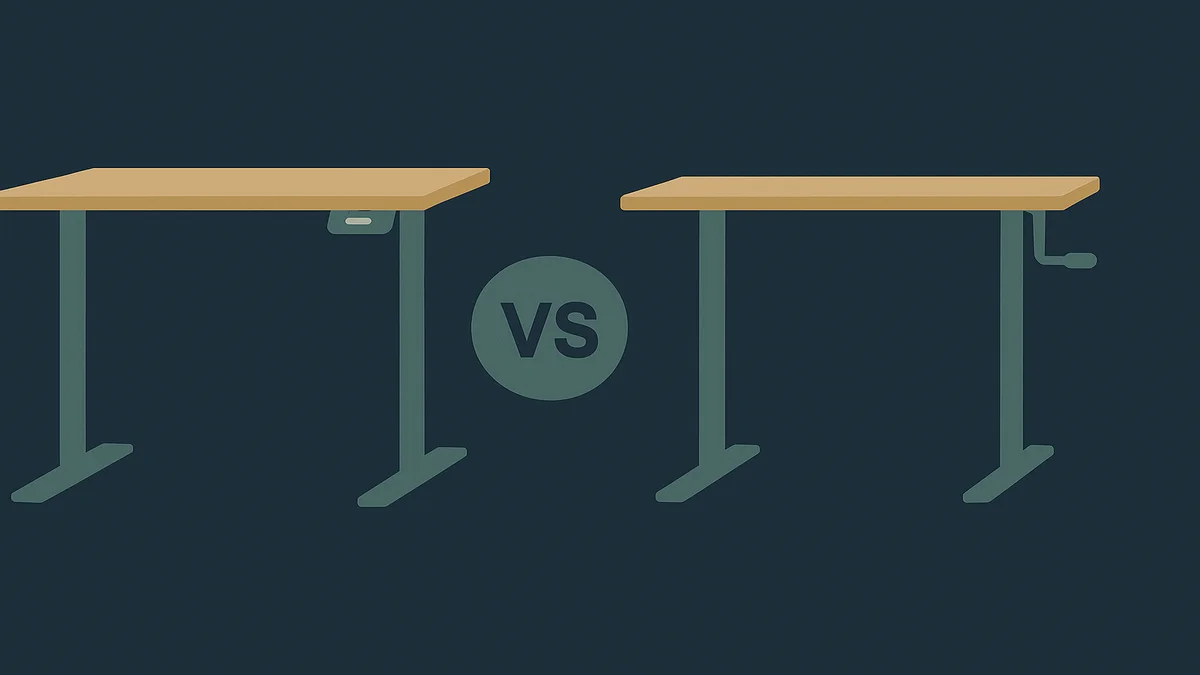
Electric Vs Manual Standing Desk
Electric Vs Manual Standing Desk: quick answer
An electric standing desk changes height with a motor at the push of a button; a manual desk uses a hand crank or gas spring. Electric wins on speed, precision and preset heights when you switch positions daily. Manual wins on price, silence and simplicity. For full-time remote work, electric is usually worth the premium.

The core trade-off is adjustment friction. Every sitting-to-standing switch costs a little effort, and the size of that cost decides whether you actually keep using the standing function. An electric desk makes the switch a two-second button press; a crank desk makes it a minute of winding; a gas-spring or counterbalance desk sits somewhere between. The better the desk matches how often you change height, the more you get out of it, and that single criterion does more work than any feature list.
For the surrounding context (desk height, chair pairing and monitor placement), our guide to a standing desk setup covers the ergonomics that matter after you have picked the mechanism.
Side-by-side feature comparison
Features
Electric desks run on linear actuators inside the lifting columns. You get push-button height adjustment, usually digital readouts, and on most mid-range and premium models memory presets, which store your sitting and standing heights so you do not re-tune the desk every time. Motor type varies: single-motor desks drive two legs through one motor, while dual-motor designs lift from both sides independently, which generally holds up better under load. Speed is a real spec, commonly around one to one-and-a-half inches per second on mainstream models; verify the rated speed on the specific product page rather than trusting a category claim.
Manual desks split into two mechanisms. Crank desks use a hand-wound drive on one leg pair, which is cheap, silent and has no electronics to fail, but the adjustment is slow and you have to crank from one side. Counterbalance or gas-spring desks (the “floating” style) move instantly by hand but hold their position by mechanical friction, so they wobble more at extreme heights and are less precise for finding an exact ergonomic height. Neither type offers memory, and neither gives you a readout of where the desk actually is.
Pricing
Electric and manual desks occupy overlapping price bands, which surprises people. Budget electric desks start around the low-to-mid $200s; a current example is the FlexiSpot E7 at $299.99 (listed at $339.99 before discount, verified on FlexiSpot’s product page at the time of writing). Manual crank desks span a wide range, roughly from around $200 to over $500 depending on size and build, and premium counterbalance designs can match entry-level electric prices. The practical takeaway: the mechanism is no longer the main price driver, surface size and build quality are. Check current prices before buying, because both categories move with promotions.
Workflow and ease of use
The daily-use difference is bigger than the spec-sheet difference. With an electric desk, you press a button and keep typing while the desk rises; switching takes no attention. With a crank desk, you stop what you are doing, wind the handle for thirty to sixty seconds, then resume. People who intend to sit and stand several times a day consistently find the crank version gets used less, because the friction is paid every time. If you only adjust the desk at the start of the day, that argument mostly disappears.
Noise matters in a shared home. Motors hum at a low volume during travel, usually under 55 dB, but they are audible on calls if the microphone is close. Cranks are silent during use; counterbalance desks can creak under load. If you take calls in the same room, plan adjustments for between meetings either way.
Specifications and capacity
Two specs decide long-term satisfaction on electric models: lifting capacity and stability. Lifting capacity on mainstream dual-motor desks runs roughly 220 to 350 lbs; the FlexiSpot E7 rates around 220 lbs per FlexiSpot’s published spec. Stability, meaning wobble at standing height, depends on the crossbeam design and foot shape more than the brand. On manual models the equivalent specs are the load rating of the crank mechanism and the torsional rigidity of the frame; counterbalance desks tend to be the least stable at the top of their range. Whatever you buy, verify the desk stays steady with your monitor arm and laptop dock mounted, because those add top-heavy load.
Limitations of the hardware
Electric desks need power at the desk, add a small standby draw, and carry electronics that can fail, though reputable brands back their motors with multi-year warranties. Crank desks have no power requirement and almost nothing to break, but the crank position locks you to adjusting from one side and the range is narrower on some models. Counterbalance desks need two hands and some effort per adjustment, and they drift out of position more easily than either alternative.
Pricing and value
Value depends on which features you actually use. If you change height more than a few times a day, an electric desk’s presets are the feature that makes the standing habit sustainable, and paying a premium for them is defensible. If you adjust once a day at most, the same money spent on a larger surface or a better chair usually returns more. A useful budget framing: treat the electric premium as the price of lowering adjustment friction to zero, and ask honestly how many times per day that friction currently stops you from standing.
Resale and relocation are worth a thought too. Crank desks have fewer parts to fail and move house more easily, since you are not packing a control box and cable routing. Electric desks hold value better in the used market in my observation, but that is a judgment, not a sourced fact; both types resell in local markets without much trouble.
Ease of use and workflow fit
Fit with your workflow beats fit with your budget. Three questions decide it. First, how many times a day do you realistically switch positions? Be honest; most people switch less than they intend before buying. Second, do you need exact heights? If you have tuned your setup to a specific ergonomic height, electric repeatability is a genuine benefit, and the OSHA guidance for computer workstations emphasizes neutral wrist and forearm postures that a fixed, correct height helps you keep. Third, does the desk share power with your devices? A small home office with limited outlets makes the power brick and control box placement a real constraint.
There is also a hybrid option most comparison articles skip: a fixed-height desk set at the right standing height, paired with a monitor arm and a good chair. It does not solve the sit-stand problem, but it shows how little some people actually use adjustability, which is useful information before spending several hundred dollars on a mechanism you may not need.
Best for different use cases
Choose an electric standing desk when
- You switch between sitting and standing more than two or three times a day, or you want to build that habit without friction.
- You share the desk with someone else (a partner, or a household where the desk doubles as a family workstation) and presets let each person recall their own height in one press.
- Your ergonomic setup depends on hitting a precise height consistently, for example with a fixed monitor arm and a keyboard tray.
- You take calls and want the adjustment to happen silently in the background while you keep talking.
Choose a manual standing desk when
- Your budget is the binding constraint and you would rather spend the difference on a chair or monitor.
- You adjust the desk once a day or less, so the crank cost is small.
- You work in a space with limited outlets, or you want zero electronics to fail over years of use.
- You want a desk that is completely silent to adjust, for example if you work late nights in a shared room.
Other alternatives worth knowing
Fixed desks with a well-tuned ergonomic setup cover people who simply do not change height. Sit-stand desk converters (a riser that sits on an existing desk) cover renters and anyone unwilling to replace their current desk, at a fraction of the cost, with the trade-off of a shallower usable surface. Treadmill desks pair only with electric frames in practice, so if that is your end goal, buy an electric desk rated for dynamic load.
Key limitations
Electric desks: they need an outlet, the motor and control box are two more failure points, they are not silent (though they are close), and the cheapest models trade stability and warranty terms for price. A wobbly budget electric desk at standing height is a worse daily tool than a solid crank desk, so check the crossbeam design and reviews for wobble complaints specifically.
Manual desks: cranking takes time you pay for every single adjustment, which quietly discourages the sit-stand habit the desk was bought for. Counterbalance models are faster but less stable and less precise, and neither manual type offers height memory. If two people share the desk, a manual mechanism gets retuned constantly or shared badly.
Both categories: marketing photos show large surfaces, but the price usually quoted is frame-only. Confirm what is included, because a frame-plus-surface bundle can change the comparison entirely.
Which option should you choose?
For a full-time remote worker, my default recommendation is electric. The entire point of buying a standing desk is to make standing easy enough that you actually do it, and electric desks remove the one cost (adjustment friction) that predictably kills the habit. If the electric premium is out of reach right now, a solid crank desk still delivers most of the ergonomic benefit, and you can sell it later without much loss; the mechanism decision is reversible in a way that a bad chair or a bad desk height is not.
If you are still assembling the rest of the workspace, the desks cluster hub lists the other desk guides and comparisons in one place, and the home office hub covers how the desk choice fits the wider room setup. And since desk decisions usually come with a pointing-device purchase, the mice guides cover the other hand-dependent part of the setup.
The one practical takeaway: count your honest daily position changes before you buy, and let that number pick the mechanism, because a desk you adjust easily is the only standing desk that gets used.
Frequently asked questions
What should I know about electric vs manual standing desk?
The main things to know are the mechanism, the friction cost and the stability picture. Electric desks use motors with presets and adjust in seconds; manual desks use a crank or counterbalance and adjust in tens of seconds. The premium for electric is smaller than most people expect at the budget end, and the deciding factor is how often you change height. Stability depends more on frame design than mechanism, so check wobble reviews before buying either type.
How do I choose the right electric vs manual standing desk?
Start by counting how many times per day you would realistically switch positions. Two or more points toward electric, where presets make the habit sustainable; one or fewer makes the crank’s silence and simplicity a reasonable trade. Then check lifting capacity against your actual load (monitors, dock, laptop, arms), confirm the surface size fits your room, and read reviews specifically for wobble at standing height. Verify current prices on the vendor page before deciding, since both categories discount heavily.
What are the common mistakes with electric vs manual standing desk?
The most common mistake is buying a mechanism for the person you plan to be rather than the one you are, which is how crank desks end up parked at one height forever. Others: comparing frame-only prices against bundles, ignoring the outlet requirement of electric desks in small rooms, and skipping the lifting-capacity check until the desk sags under a monitor arm. Also assume nothing about budget-model stability, and measure the height range against your own body before ordering.
Sources used
- FlexiSpot, Premium Standing Desk (E7) product page (price $299.99, list $339.99, and lifting capacity verified via rendered page text): https://www.flexispot.com/flexispot-pro-standing-desk-e7
- OSHA, Computer Workstations eTool (neutral wrist and forearm posture guidance for keyboard position): https://www.osha.gov/etools/computer-workstations/